TL;DR
A good llms.txt checker confirms that the file is discoverable, readable, correctly structured, and aligned with canonical site content. The fastest wins come from validating root-file location, markdown syntax, crawl permissions, canonical URLs, and high-value content paths before AI crawlers index outdated or unclear pages.
AI search visibility now depends on whether machines can quickly understand which pages deserve attention. An llms.txt checker helps site owners test whether an llms.txt file gives large language models a clear, crawlable map of useful content. llms.txt: a plain-text, markdown-style file placed at the site root important pages, documentation, product information, and AI-friendly source paths. A large language model, often called an LLM, is an AI model trained on large text collections for language tasks such as generation, summarization, and translation. For teams building early organic visibility, Earlyseo gives this file a practical home inside a broader search visibility workflow.
Table of Contents
What is an llms.txt checker?
An llms.txt checker is a validation tool that tests whether an llms.txt file is accessible, correctly formatted, and useful for AI crawlers that summarize website content. It should verify the file location, markdown sections, links, crawl permissions, canonical URLs, and content paths most likely to help LLM-based search systems understand the site.
The supplied SERP analysis reviewed 90 results and found that top-ranking pages usually explain definitions, generators, basic validators, and common mistakes. The gap is practical validation detail. A serious validator should not stop at "file found." It should explain what passed, what failed, and what action fixes the issue.
Key insight:
llms.txtis not a magic ranking switch. It works best as a clean signal that points AI systems toward accurate, canonical, and high-value content.
A checker is most useful for founders, local businesses, ecommerce teams, and marketing managers when it turns technical checks into plain next steps. A thin file full of random links adds noise. A focused file that points to product pages, help docs, pricing pages, comparison pages, and core educational content gives AI crawlers a better starting point.
What should a validator inspect?
A validator should inspect discoverability, syntax, permissions, URL quality, and content relevance in one pass. The file needs to live at the site root, use clean markdown, avoid blocked resources, point to canonical URLs, and prioritize pages that help an AI answer customer questions accurately.
The best checks combine technical rules with editorial judgment. A file can be technically valid but strategically weak if it lists low-value archive pages while skipping documentation, category pages, and conversion-focused resources.
Core validation rules for 2026
| Validation area | What the checker should test | Why it matters |
|---|---|---|
| File location | https://example.com/llms.txt returns a successful response |
AI crawlers need a predictable root path |
| Status code | The file returns 200 and not a redirect loop or soft error |
Unstable access weakens trust |
| Format | Headings, descriptions, and links use clean markdown | LLMs parse structured text more reliably |
| Crawl permissions | robots.txt, meta robots, and headers do not block listed URLs |
Listed pages must be reachable |
| Canonical URLs | Links match the preferred canonical version | Duplicate versions confuse summarization |
| Content paths | Priority pages include docs, products, FAQs, and evergreen guides | High-value pages deserve stronger signals |
| Freshness | Updated pages and deprecated pages are reflected correctly | AI systems should not learn stale details |
A related setup guide at Earlyseo's llms.txt resource can help teams organize the file before validation. The validator should then confirm that the published version still matches the intended structure.
Sample llms.txt template
A compact template often works better than an overbuilt file. The goal is clarity, not volume.
# Example Brand
> Short description of the business, audience, and main offering.
## Core pages
- Home: https://example.com/

- Product: https://example.com/product
- Pricing: https://example.com/pricing
## Documentation
- Getting started: https://example.com/docs/getting-started
- API docs: https://example.com/docs/api
## Helpful guides
- SEO guide: https://example.com/blog/seo-guide
- Comparison guide: https://example.com/compare
## Contact and policies
- Contact: https://example.com/contact
- Terms: https://example.com/terms
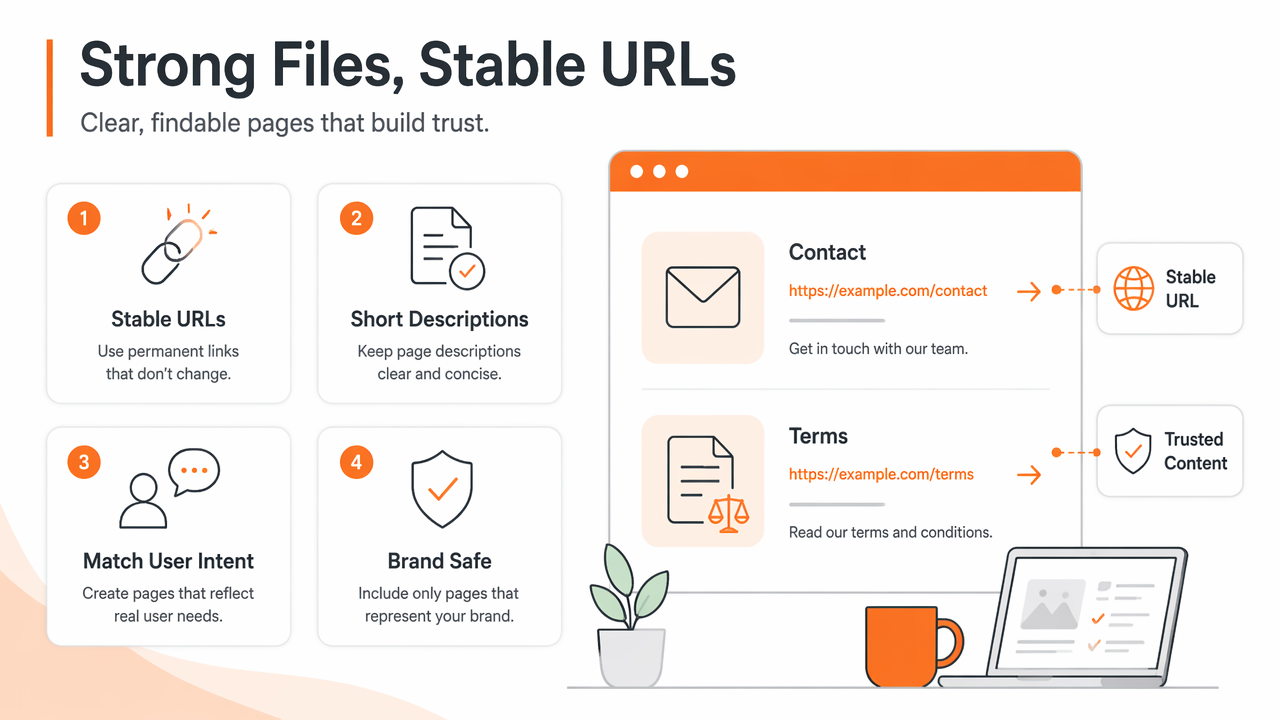
Strong files use stable URLs, short descriptions, and sections that mirror real user intent. If a page should not represent the brand in an AI answer, it probably should not appear in the file.
How should teams run an llms.txt audit?
Teams should run an llms.txt audit by checking file access first, then validating structure, crawl rules, canonical URLs, and page quality. The audit should end with a short validation summary that separates critical blockers from improvement opportunities.
A practical audit creates two outputs: a machine-readable pass or fail result and a human-readable action list. That combination helps developers fix server issues while marketers improve page selection.
Seven-step audit workflow
- Confirm that
/llms.txtloads from the root domain over HTTPS. - Check the status code, content type, redirects, and caching behavior.
- Validate markdown headings, bullet links, and section hierarchy.
- Compare every listed URL against canonical tags and sitemap entries.
- Test whether
robots.txt, meta robots, or headers block listed pages. - Review whether listed pages answer real buyer, support, and product questions.
- Save a validation summary with severity, affected URLs, and recommended fixes.
A recurring audit works well after site migrations, CMS changes, new product launches, and major content updates. For teams using a CMS, setup speed matters. The WordPress integration and Shopify integration are relevant for sites that need AI-readable files without turning every update into a developer ticket.
How Earlyseo handles this
The Earlyseo platform focuses on practical visibility signals, including AI-readable files that connect site structure with search intent. Its workflow is designed for teams that need a cleaner path from content planning to validation rather than a one-off text-file check.
A useful checker should show both Validation Summary and Validation Details. The summary tells whether the file is usable. The details explain which URLs, sections, or crawl rules need attention. That distinction matters because a founder may only need the summary, while a developer needs the exact failing path.
For larger sites, internal documentation also matters. Teams can pair validation with Earlyseo documentation to standardize naming, publishing, and update habits across marketing and technical staff.
How can common validation errors be fixed?
Common validation errors can be fixed by separating access problems, syntax problems, crawl conflicts, and content-quality issues. The fastest path is to resolve critical access blockers first, then clean up broken links, duplicate URLs, and weak page selections.
Not every warning deserves the same urgency. A missing root file or blocked canonical page can stop the file from helping at all. A vague section title may still be worth fixing, but it usually belongs below access and crawl problems.
Troubleshooting table for frequent errors
| Error | Likely cause | Fix | Severity |
|---|---|---|---|
File not found at /llms.txt |
File was uploaded to the wrong directory or not published | Place the file at the domain root and retest HTTPS access | Critical |
| Redirect chain | CMS, CDN, or domain rules force multiple hops | Point directly to the final canonical URL | High |
| HTML returned instead of text | Server route serves a template or error page | Serve a plain text file with readable markdown | High |
| Listed URL is blocked | robots.txt, noindex, or headers prevent crawling |
Remove the block or remove the URL from the file | Critical |
| Non-canonical URL listed | Tracking parameters, mixed protocols, or duplicate paths | Replace with the canonical URL | Medium |
| Broken link | Page was deleted, renamed, or unpublished | Restore the page or update the link | High |
| Thin page included | File points to low-value or outdated content | Replace with a stronger guide, doc, or product page | Medium |
| Missing update process | Content changed but the file did not | Add validation to release, migration, and content QA workflows | Medium |
A validator should label errors clearly instead of dumping raw diagnostics. "Blocked by robots.txt" is more useful than "URL unavailable" because it points directly to the fix.
For ecommerce sites, product collections and buying guides often change faster than evergreen documentation. Validation after seasonal updates can prevent AI crawlers from following discontinued products, outdated sale pages, or duplicate collection URLs.
FAQ: llms.txt checking in 2026 and 2027
AI-readable site files are still moving from early adoption toward standard operating procedure. In 2027, more SEO workflows are likely to treat llms.txt validation like sitemap checks, schema testing, and crawl audits: not a one-time task, but a repeatable quality control step.
The strongest future-ready approach is simple: keep canonical content clean, keep machine-readable files current, and measure whether AI search systems are pulling from the right pages.
Is llms.txt the same as robots.txt?
No. robots.txt tells crawlers which paths are allowed or disallowed, while llms.txt points language models toward useful site content. The two files should agree. If llms.txt lists a page blocked in robots.txt, the signal becomes confusing and the page may not be usable by crawlers.
Does every small business need an llms.txt file?
A small business benefits most when the site has important pages that AI systems should understand, such as services, locations, FAQs, pricing, policies, and guides. A single-page brochure site may see less value. A growing local, ecommerce, or SaaS site has a stronger reason to publish and validate the file.
How often should validation run?
Validation should run after domain changes, redesigns, CMS migrations, major content updates, and new product launches. Monthly checks are reasonable for active sites. Ecommerce and publishing sites may need more frequent checks because product URLs, category pages, and editorial hubs change often.
Can a valid file still perform poorly?
Yes. A file can pass syntax checks while pointing to weak, outdated, duplicated, or non-canonical pages. Technical validity only proves that the file can be read. Strategic quality depends on whether the listed pages answer important questions and represent the business accurately.
Conclusion
A reliable validation process starts with access, then moves through structure, crawl permissions, canonical URLs, and content quality. The best checker gives a clear pass or fail result, then explains exactly which pages or rules need work.
Earlyseo helps teams turn that process into a repeatable visibility habit rather than a one-time technical chore. For a practical next step, publish a focused file, run a validation pass, connect it to broader content QA, and visit earlyseo.com when the site is ready to make AI-readable content part of the search workflow.