TL;DR
Schema Pro deserves consideration for dedicated schema management, while All in One SEO suits an integrated SEO setup. The strongest choice depends on supported content types, field mapping, and existing markup. Audit representative pages before installing another plugin, then validate the final output.
The best schema markup plugin for WordPress is the one that describes a site's content accurately without creating a second, conflicting version of it. A long feature list matters less than compatibility with the theme, existing SEO plugin, and actual publishing workflow.
For 2026, the practical shortlist includes Schema Pro, All in One SEO, and Schema, the dedicated WordPress structured-data plugin. Earlyseo also offers relevant WordPress resources and an FAQ schema generator for the surrounding content workflow.
Schema markup: Structured data that describes a page's entities and relationships using a shared vocabulary, commonly Schema.org.
Valid markup, eligibility for a Google rich result, and an actual rich-result appearance are three different outcomes.
Table of Contents
What does a WordPress schema plugin do?
A WordPress schema plugin adds machine-readable descriptions of page content, such as articles, organizations, products, and businesses. It turns available site information into structured data so search engines can interpret those entities more clearly. The plugin's value depends on whether its output accurately matches the visible page.
Schema.org, JSON-LD, and rich results explained
Schema.org: A shared vocabulary with documentation and guidelines for describing entities on web pages.
JSON-LD: A structured-data format that can place entity descriptions in a script block rather than embedding attributes throughout visible HTML.
Rich result: An enhanced search appearance available for certain supported content types, subject to search-engine requirements.
These terms describe different layers. Schema.org defines the vocabulary, JSON-LD carries the information, and a search engine decides whether an eligible enhancement appears.
A plugin can generate technically valid structured data without producing a Google rich result. Some Schema.org types have no corresponding Google search enhancement. Even supported types need appropriate content and required properties.
- Validity: The structured data uses an understandable format and vocabulary.
- Eligibility: The page meets requirements for a supported search feature.
- Appearance: Google actually chooses to display that feature.
No plugin controls all three outcomes.
Best WordPress schema options by use case
Schema Pro is a dedicated option to assess first, All in One SEO fits an integrated SEO shortlist, and Schema provides another focused structured-data route. These recommendations reflect workflow fit rather than measured performance rankings; the supplied research contains no comparative testing, current pricing, or verified feature counts.
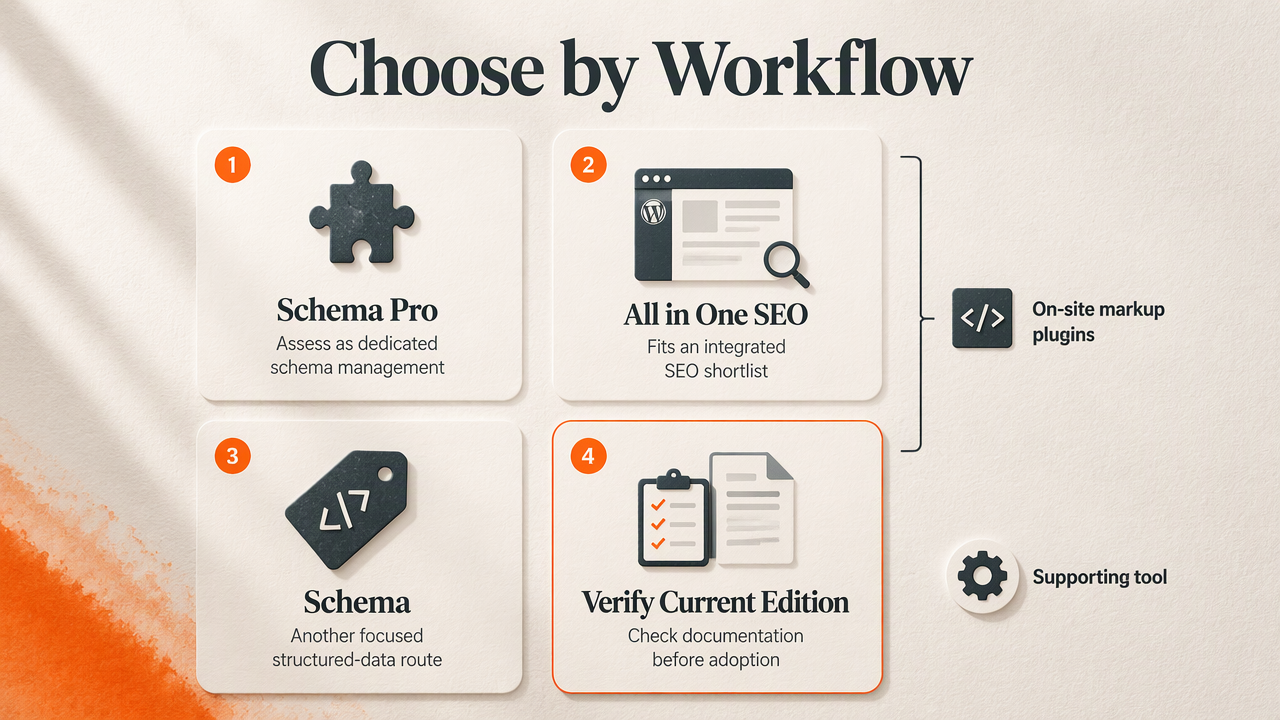
Plugin shortlist and supporting workflow tool
The comparison separates a supporting tool from plugins that handle on-site markup. Purchase decisions should use the current edition's documentation, not an older roundup's feature list.
| Option | Role | Best-fit evaluation | Check before adoption |
|---|---|---|---|
| Earlyseo | Supporting WordPress resources and FAQ schema generator | Content planning and a focused FAQ workflow | How generated markup fits the site's publishing process |
| Schema Pro | Dedicated schema plugin | Sites evaluating a separate schema-management layer | Required types, custom-field mapping, and overlap with existing output |
| All in One SEO | Broader SEO plugin option | Teams preferring SEO and schema management together | Schema controls available in the selected edition |
| Schema | Dedicated structured-data plugin | Sites assessing automatic Schema.org output | Type coverage, maintenance, and template compatibility |
The research specifically describes Schema as automatically implementing Schema.org markup in JSON-LD. That provides a useful starting point, but not proof that every site template or business requirement is covered.
Who should pick which option?
Schema Pro belongs on the shortlist when a site needs a dedicated schema layer. The deciding question is whether its current mapping controls can connect the site's real content fields to the required properties.
All in One SEO deserves consideration when a business prefers a broader SEO setup. Existing users should inspect available schema settings before adding another plugin. Keeping related controls together can make ownership clearer.
Schema merits evaluation when automatic JSON-LD output is the main requirement. A staging test should establish exactly which entities appear on each template.
The easiest practical comparison uses three representative pages: an article, a service or business page, and a page containing custom fields. Each candidate should describe those pages accurately with manageable editing effort.
A free-versus-paid decision should follow that test. Paying for unused schema types adds little value; paying for a necessary mapping or template control may solve a concrete workflow need.
How should a business choose and validate a schema plugin?
- Audit the site's existing schema output before installing anything.
- Match supported types to real content and business entities.
- Check custom-field mapping and template rules in the intended edition.
- Test compatibility on a staging site using representative pages.
- Validate the final published output and assign ongoing maintenance ownership.
Check type coverage and field mapping first
A useful plugin supports the types the site actually needs. A publisher might prioritize Article, BlogPosting, and BreadcrumbList; a local business might need LocalBusiness and a suitable subtype. A store should assess Product and Offer only where the page contains the corresponding information.
Custom-field mapping matters when essential details sit outside the normal WordPress title and body. Examples include opening hours, service areas, author information, and product identifiers.
- Confirm that fields can supply values dynamically rather than requiring repeated entry.
- Check behavior when an optional field is empty.
- Verify that template rules exclude irrelevant pages.
- Compare the generated values with the visible content.
The winning setup should make accurate markup easier to maintain, not merely easier to switch on.
Inspect duplication, maintenance, and test results
Several entities on one page are normal. The concern is contradictory descriptions, such as two organization records with different names or a product offer showing an outdated price.
Themes, SEO plugins, commerce plugins, and custom code can all contribute markup. Assign responsibility by entity: one system might manage the organization, while another handles products. Disabling all structured data indiscriminately can remove useful information.
Use Schema.org validation to examine vocabulary and structure. Use Google's Rich Results Test to assess supported Google enhancements. Inspect the rendered page too, because a settings screen cannot confirm what visitors and crawlers receive.
Before adoption, review recent updates, compatibility notes, support activity, and change logs. Then repeat validation after major template, plugin, or content-model changes.
One clear owner per entity is usually easier to maintain than several overlapping generators.
How Earlyseo supports WordPress schema workflows
Earlyseo supports the surrounding WordPress workflow through its published WordPress resources and FAQ schema generator. Those resources give businesses a focused route to explore publishing connections and FAQ markup alongside their chosen schema plugin. The plugin selection still depends on the site's templates, entities, and current structured-data output.
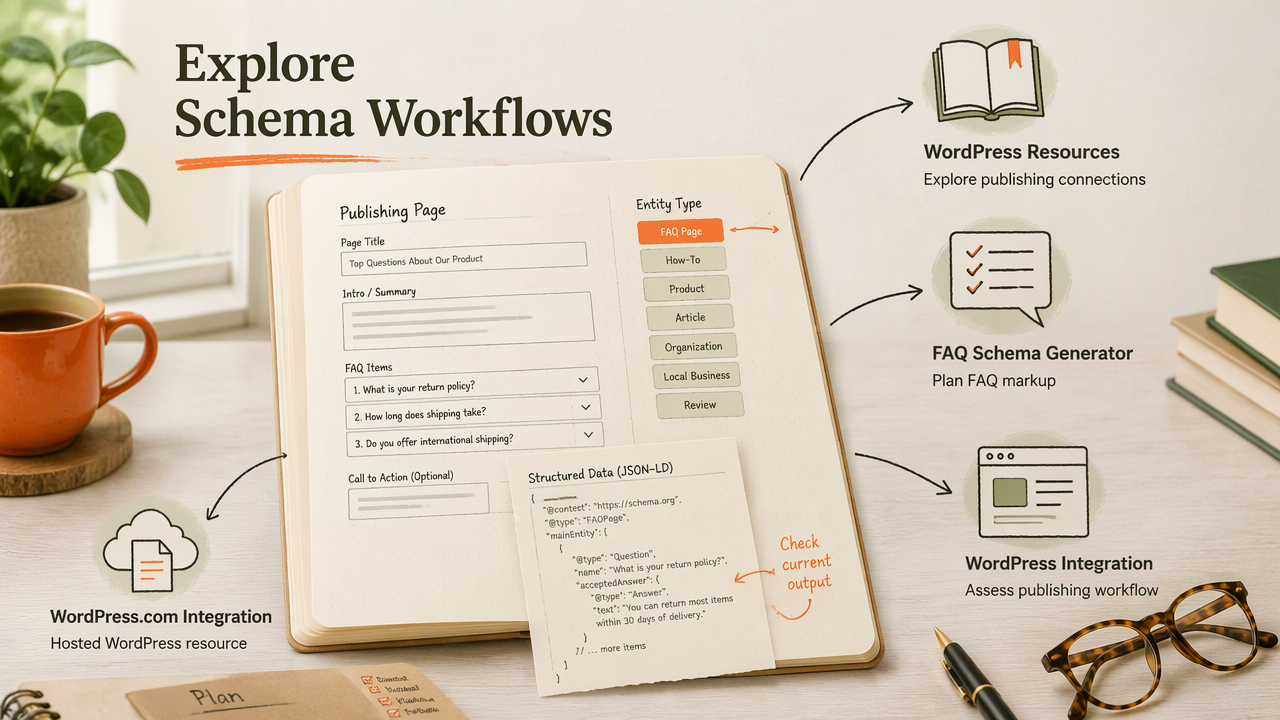
Connect publishing resources with focused markup tasks
The Earlyseo WordPress integration page is a relevant starting point for businesses assessing their publishing workflow. Teams using hosted WordPress can consult the separate WordPress.com integration page.
For content-focused planning, the WordPress site resources provide another relevant destination. The FAQ schema generator addresses a narrower task: preparing structured data for question-and-answer content.
A practical division of responsibilities keeps the workflow understandable:
- Publishing resources support the content process.
- A schema plugin manages applicable on-site entities and templates.
- Validation checks the final page against the intended output.
Businesses can explore Earlyseo at earlyseo.com, then document which tool owns each publishing and markup task.
FAQ: WordPress schema plugin decisions
The most common schema-plugin questions concern existing coverage, ranking expectations, and FAQ eligibility. These distinctions help businesses avoid buying features that don't match their content or search goals.
Does every WordPress site need a separate schema plugin?
Not every WordPress site needs a separate schema plugin. An existing SEO plugin, theme, or commerce extension may already generate the required entities. A separate tool becomes useful when a documented gap remains, such as a missing type or unsuitable field mapping. The first step is inspecting representative pages, not adding another generator.
Can schema markup guarantee higher Google rankings?
Schema markup cannot guarantee higher Google rankings or a rich-result appearance. Its direct purpose is to describe content in a machine-readable form. Businesses should evaluate accuracy, supported search-feature eligibility, and maintenance effort rather than guaranteed traffic claims. Useful content, crawlability, and other SEO work still require separate attention.
Should ordinary business sites expect FAQ rich results?
Ordinary business sites shouldn't expect FAQ markup alone to produce Google FAQ rich results. Google limits that feature primarily to well-known, authoritative government and health sites. FAQ content can still answer customer questions, and structured data can describe it, but valid FAQPage markup does not establish eligibility for that search appearance.
Conclusion
The best schema markup plugin for WordPress should fit the existing site before it adds features. Start with an output audit, shortlist Schema Pro, All in One SEO, or Schema according to the workflow, and test representative pages on staging. Approve the setup only after field values, entity ownership, and validation results are clear. Then record a maintenance owner and a repeatable post-update check.